



Meet the Nuby Jitterbug stroller rocker, your stroller’s new best buddy. Designed to keep your baby gently rocked and settled, it’s perfect for life on the go.
With three gentle vibration levels, 20 soothing sounds, soft glowing lights, and a handy cry sensor, the rechargeable Jitterbug is portable and easy to attach to any stroller. Whether at home, in a café, or out for a walk, it helps your little one stay calm and content.
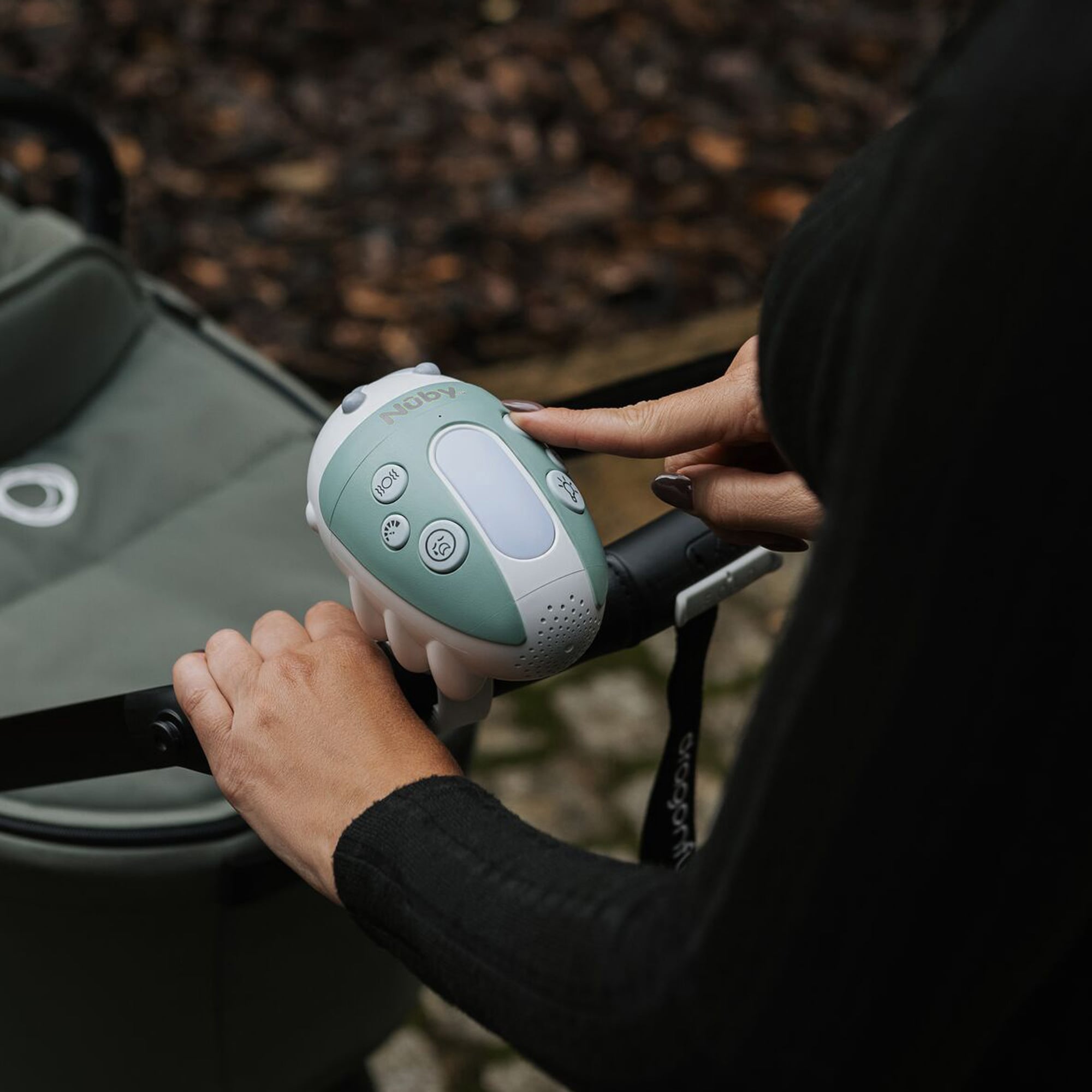
Why the Nuby Jitterbug stroller rocker is an on the go game-changer
Ever noticed how your baby loves the gentle rock of the stroller while you’re walking but the second you stop, they’re wide awake? That’s where the Jitterbug comes in. It gently rocks your stroller for you, helping your baby stay settled even when you’re not on the move. Handy, right?
It has three buzz-tastic vibration levels, 20 soothing sounds, glowing lights and a cry sensor. Oh, and it’s portable too – just clip it onto your stroller and you’re good to go. Whether you’re at home, in a café or out for a stroll, the Jitterbug is there to lend a hand (or a buzz).
How to use the Nuby Jitterbug stroller rocker?
1. Press and hold the vibration power button for 2-3 seconds until you hear a beeping sound to turn on the Jitterbug.
2. Press the vibration power button one more time to activate the rocking function.
3. Use the adjustable vibration speed button to select the level of vibration required.
4. To activate the sound press and hold the music symbol for 2-3 seconds. The sounds will start with lullabies, press one more for nature sounds and again for white noise.
5. Once you’ve selected which music you want use the cry sensor button to select the sound of choice and the volume control to adjust the volume of the speaker.
6. Press and hold the vibration power button for 2-3 seconds to turn off the Jitterbug.
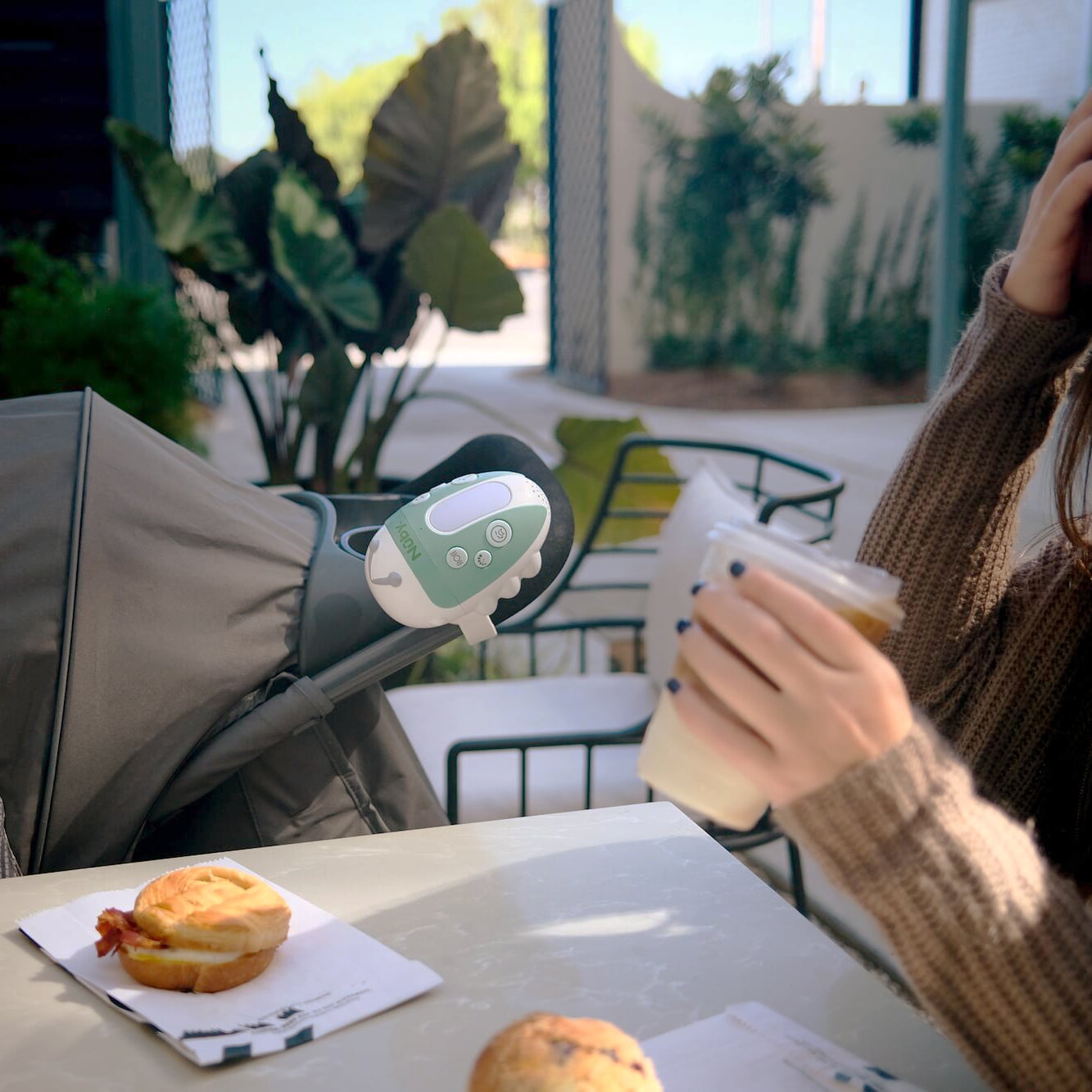
Sounds good right? Now, what if you want to activate the cry sensory function?
1. After following the instructions above so your Jitterbug is activated to the required settings, press and hold the cry sensor button and a red light will appear on the Jitterbug.
2. The Jitterbug will play for 15 minutes with the settings which you have chosen.
3. After 15 minutes the Jitterbug will shut off and will be re-activated to the selected settings if your baby cries.
4. If your baby is settled before the 15 minutes is done, double press the cry sensor, this will turn off the rocking/sound noise, and should your baby cry, the rocking/sound noise will re-activate.
NOTE – You can select only the rocking function, only the sound function or the rocking and sound function for the cry sensor to work. The cry sensor does not activate the LED light. The cry sensor will not work in a noisy environment of over 50dB. Best used in a quiet environment.
But how does the multi-color light function work?
1. Press and hold the multi-color light button for 2-3 sections to turn the light on.
2. Press the button to cycle through 7 soothing light colors.
What else do you need to know?
Upon turning the Nuby Jitterbug on, an LED light will show, here’s what they mean:
Green – Fully charged
Blue – Around 50% battery
Red – Low battery
Flashing green – Needs charging immediately. It will shut down after flashing for 10 seconds.
Cleaning: Wipe clean with a damp cloth – do not immerse in water. Air dry or wipe dry with a dry cloth.
Don’t forget to get your Jitterbug stroller rocker here now, if you haven’t already. While you’re there, take a look at our other baby travel essentials like our bladeless fan, handy stroller hook set, and collapsible cup holder.
